










Basic Navigation and Functions
PDF Tutorial | 6 pages
This quick tutorial contains basic information about how to navigate HEYEX 2.
You are currently on the International (English) version.
Looks like you are in United States.
Switch to local content?


Get new perspectives with the Heidelberg Engineering Account. Sign up to access exclusive resources and insights.
To make sure you don't miss any news, sign up for our newsletter!
We are committed to providing quick, reliable solutions that support your work and help enable high-quality patient care and research.
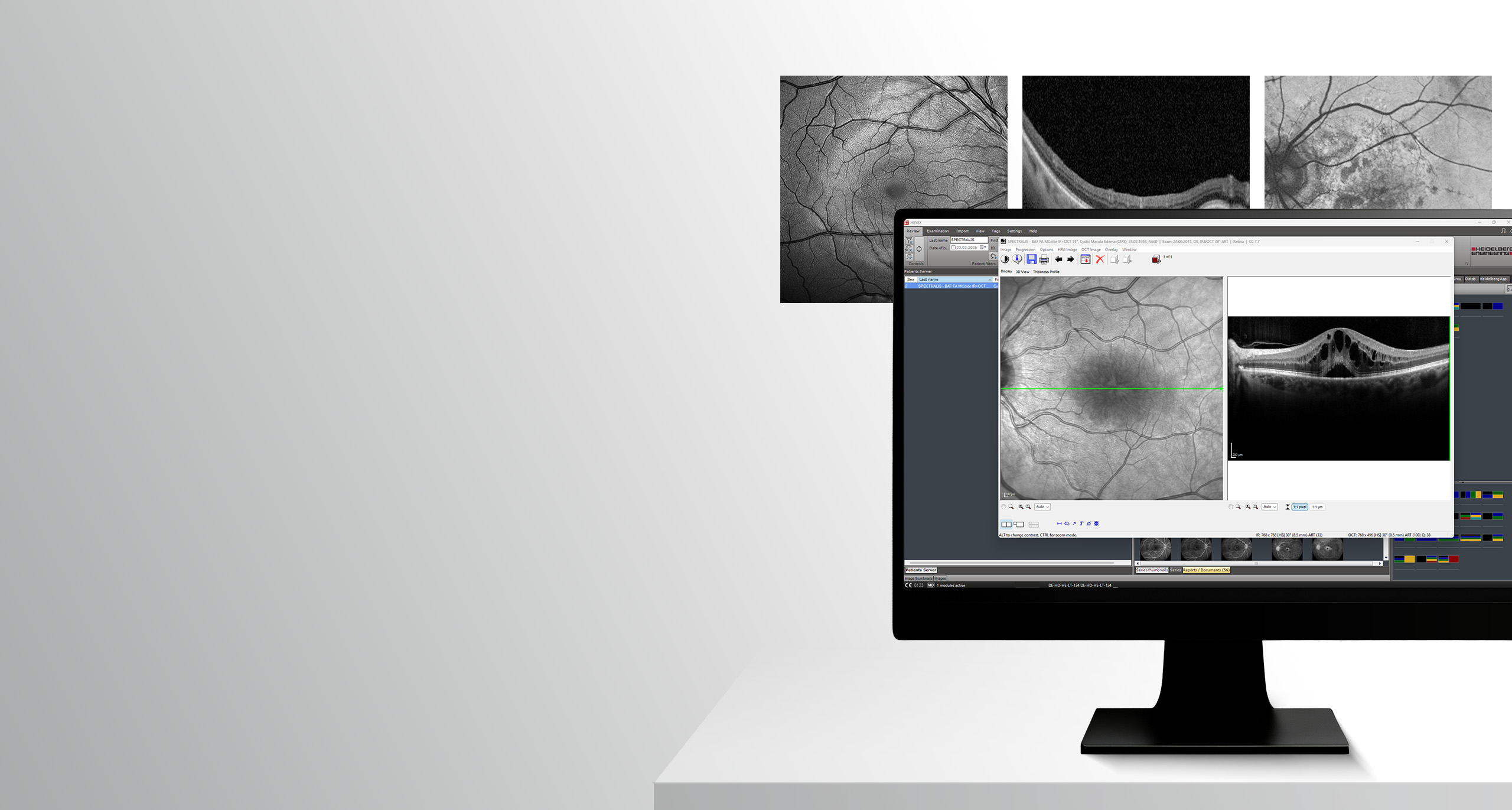
Target group: This online course is intended for new HEYEX 2 users.
Learning objectives: In this course room, you will find e-learning materials to help you get started with navigating the HEYEX 2 software platform. When you have finished reviewing the e-learning materials, you can take the online test and recive a certificate when you pass.
Do you have any questions regarding the learning materials? – Learning materials team
Basic Navigation and Functions
PDF Tutorial | 6 pages
This quick tutorial contains basic information about how to navigate HEYEX 2.
Please note: The quiz in this interactive video tutorial is for practice purposes only. If you would like to receive a certificate, please complete the quiz in the Course room.
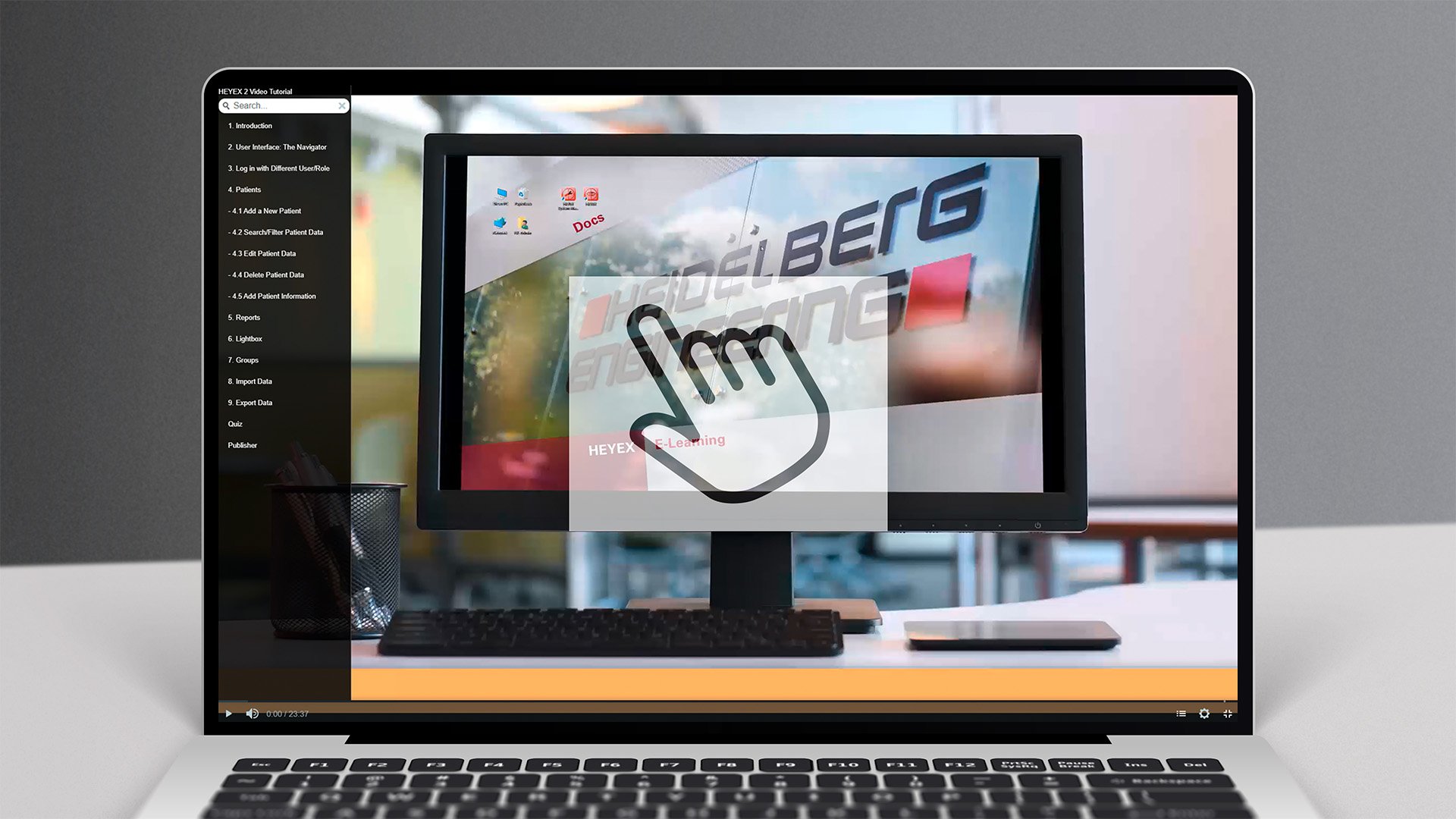
Interactive Video Tutorial
Interactive Video Tutorial | 24 minutes
This interactive video tutorial will guide you through the most important features of HEYEX 2 and how to use them.
Basic Navigation
Video Tutorial | 6 minutes
This short instructional video shows how to navigate the essential functions of the HEYEX 2 software platform.
Multi-Modality Viewer
Video Tutorial | 10 minutes
In this video tutorial you will learn essential functions for an efficient Multi-Modality Viewer workflow.
Configuring Order Templates
Video Tutorial | 3 minutes
This video tutorial will give you an insight into how you can configure order templates.
Configuring the User Interface
Video Tutorial | 7 minutes
In this tutorial, you will learn how to configure, save and share the HEYEX 2 user interface according to your individual needs.
User Management
Video Tutorial | 3 minutes
In this video tutorial you will learn how to create personal access data for HEYEX 2.

UVO Tool – Editing Patient Data
PDF Tutorial | 5 pages
This PDF tutorial describes how to edit patient data with the UVO tool or directly in HEYEX 2.
Editing Patient Data
Video Tutorial | 8 minutes
In this video tutorial you will learn how to edit, merge, delete, split, or reassign patient data, examinations or image data in HEYEX 2 or with the help of the UVO tool.
Working with Groups
Video Tutorial | 4 minutes
Groups are useful for collecting patients and their recordings for individual purposes. In this video, you will learn how to create and work with groups.
Working with Diagnoses
Video Tutorial | 4 minutes
In this tutorial, you will learn how to assign diagnoses to a patient's examinations in HEYEX 2 and then filter by these diagnoses.
Working with Studies
Video Tutorial | 5 minutes
In this video tutorial, you will learn how to create new studies, edit and filter existing ones and assign examinations to studies.
Cloud Exchange – Activation and Functions
PDF Tutorial | 5 pages
This PDF tutorial describes data exchange with cloud partners.
Cloud Exchange
Video Tutorial | 6 minutes
In this video tutorial, you will learn how to create new users in Cloud Exchange, add cloud contacts and transfer image data, examinations or entire patient records.
Importing and Exporting Examinations
Video Tutorial | 7 minutes
In this tutorial, you will learn how to import and export examinations in different file formats.
Importing Data from Third-Party Devices
Video Tutorial | 5 minutes
In this tutorial, you will learn how to import and export examinations in different file formats.
Registration and Data Exchange
PDF Tutorial | 5 pages
This PDF tutorial explains how to register for an AI application and send images to receive an automatic report. In this PDF tutorial you will also find the troubleshooting instructions..
Registration and Data Exchange
Video Tutorial | 4 minutes
This video tutorial will give you an overview of how to register and use the platform.
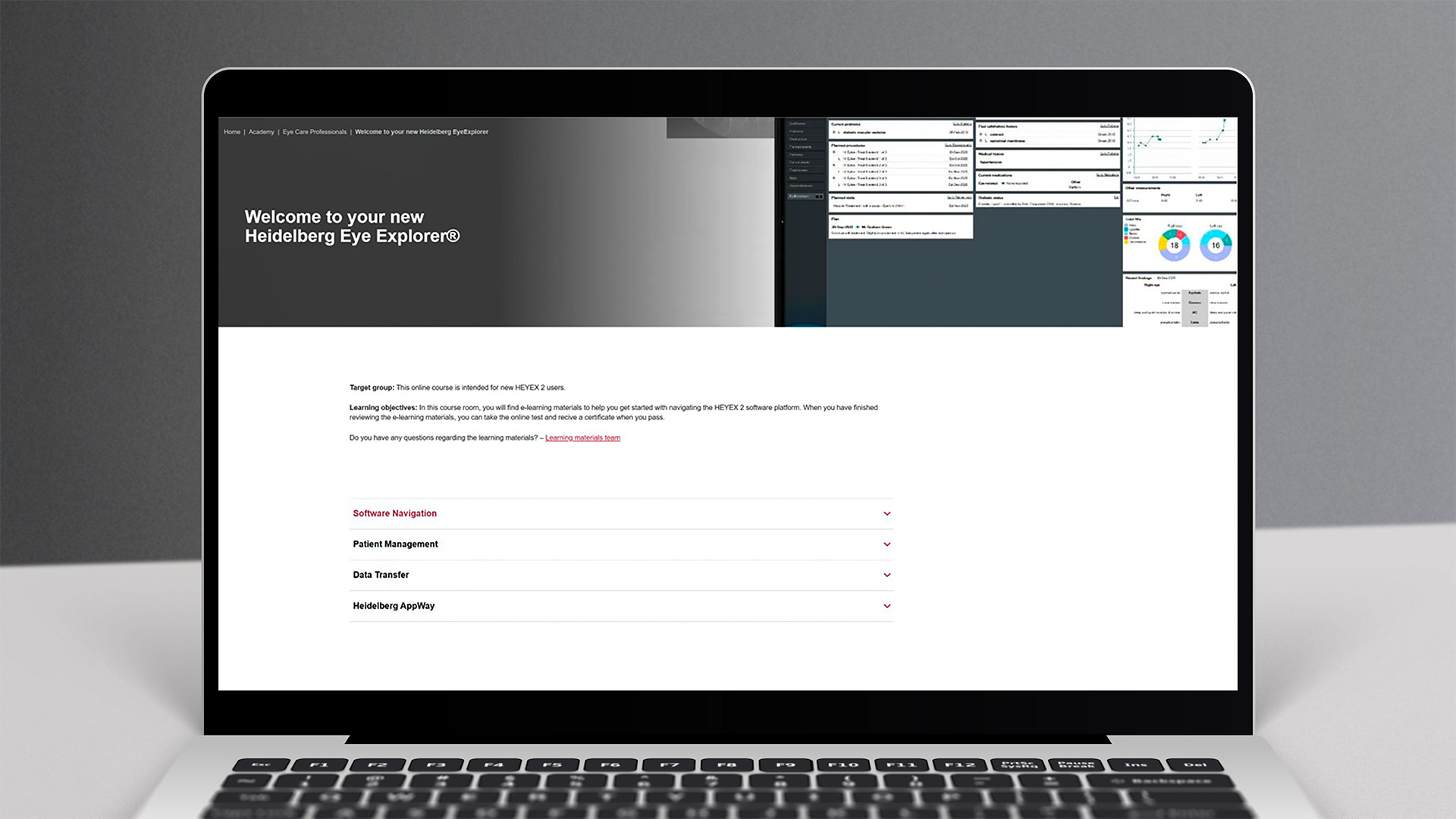
Make sure to complete the test to get a certificate. To take the test, click on the button below to get to the course room.
Good luck!