









Basic Navigation and Functions
PDF Tutorial | 6 pages
This quick tutorial contains basic information about how to navigate HEYEX 2.


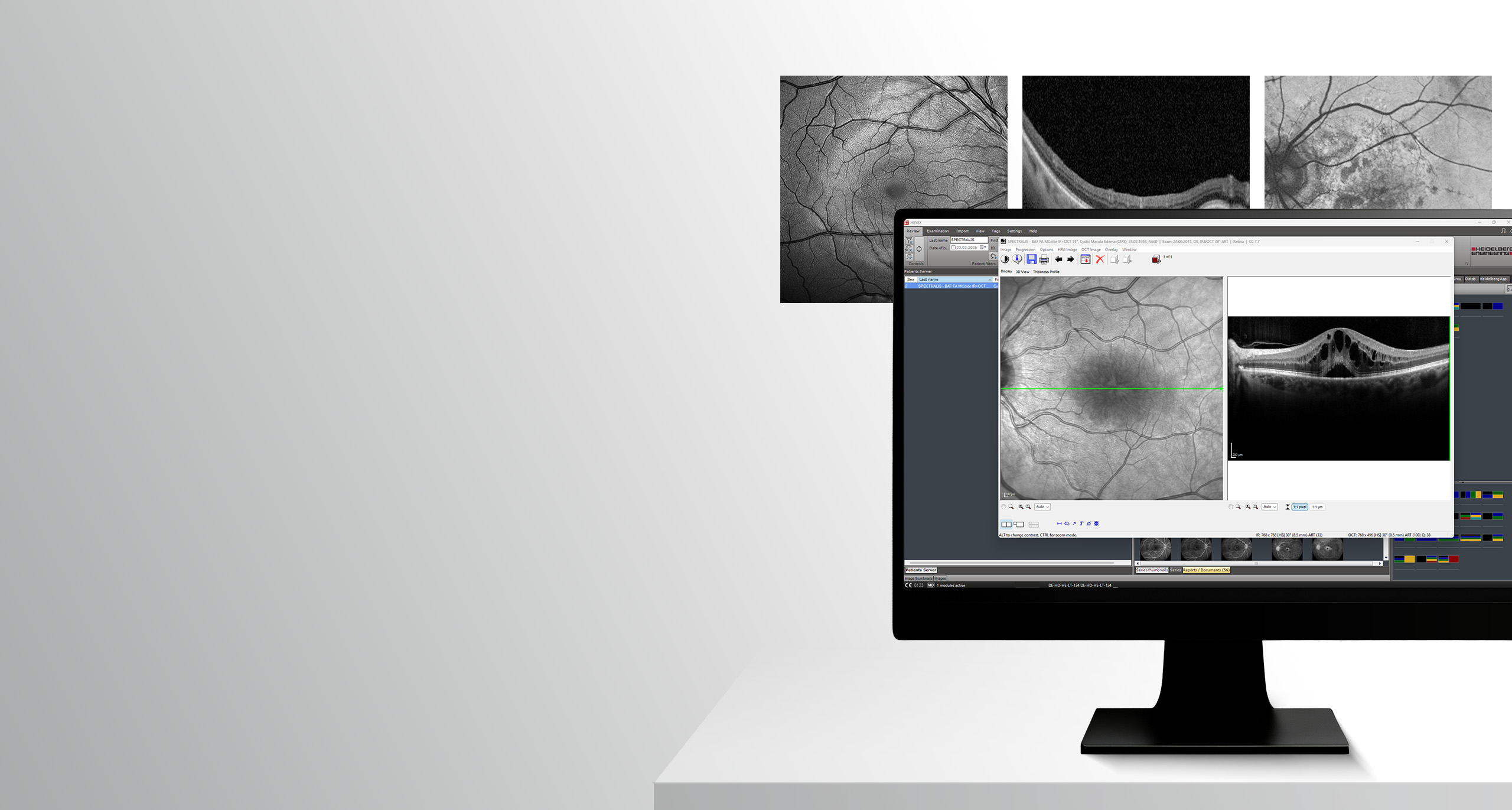
Target group: This online course is intended for new HEYEX 2 users.
Learning objectives: In this course room, you will find e-learning materials to help you get started with navigating the HEYEX 2 software platform. When you have finished reviewing the e-learning materials, you can take the online test and recive a certificate when you pass.
Do you have any questions regarding the learning materials? – Learning materials team
Basic Navigation and Functions
PDF Tutorial | 6 pages
This quick tutorial contains basic information about how to navigate HEYEX 2.
Please note: The quiz in this interactive video tutorial is for practice purposes only. If you would like to receive a certificate, please complete the quiz in the Course room.

Interactive Video Tutorial
Interactive Video Tutorial | 24 minutes
This interactive video tutorial will guide you through the most important features of HEYEX 2 and how to use them.
Basic Navigation
Video Tutorial | 6 minutes
This short instructional video shows how to navigate the essential functions of the HEYEX 2 software platform.
Multi-Modality Viewer
Video Tutorial | 10 minutes
In this video tutorial you will learn essential functions for an efficient Multi-Modality Viewer workflow.
Configuring Order Templates
Video Tutorial | 3 minutes
This video tutorial will give you an insight into how you can configure order templates.
Configuring the User Interface
Video Tutorial | 7 minutes
In this tutorial, you will learn how to configure, save and share the HEYEX 2 user interface according to your individual needs.
User Management
Video Tutorial | 3 minutes
In this video tutorial you will learn how to create personal access data for HEYEX 2.
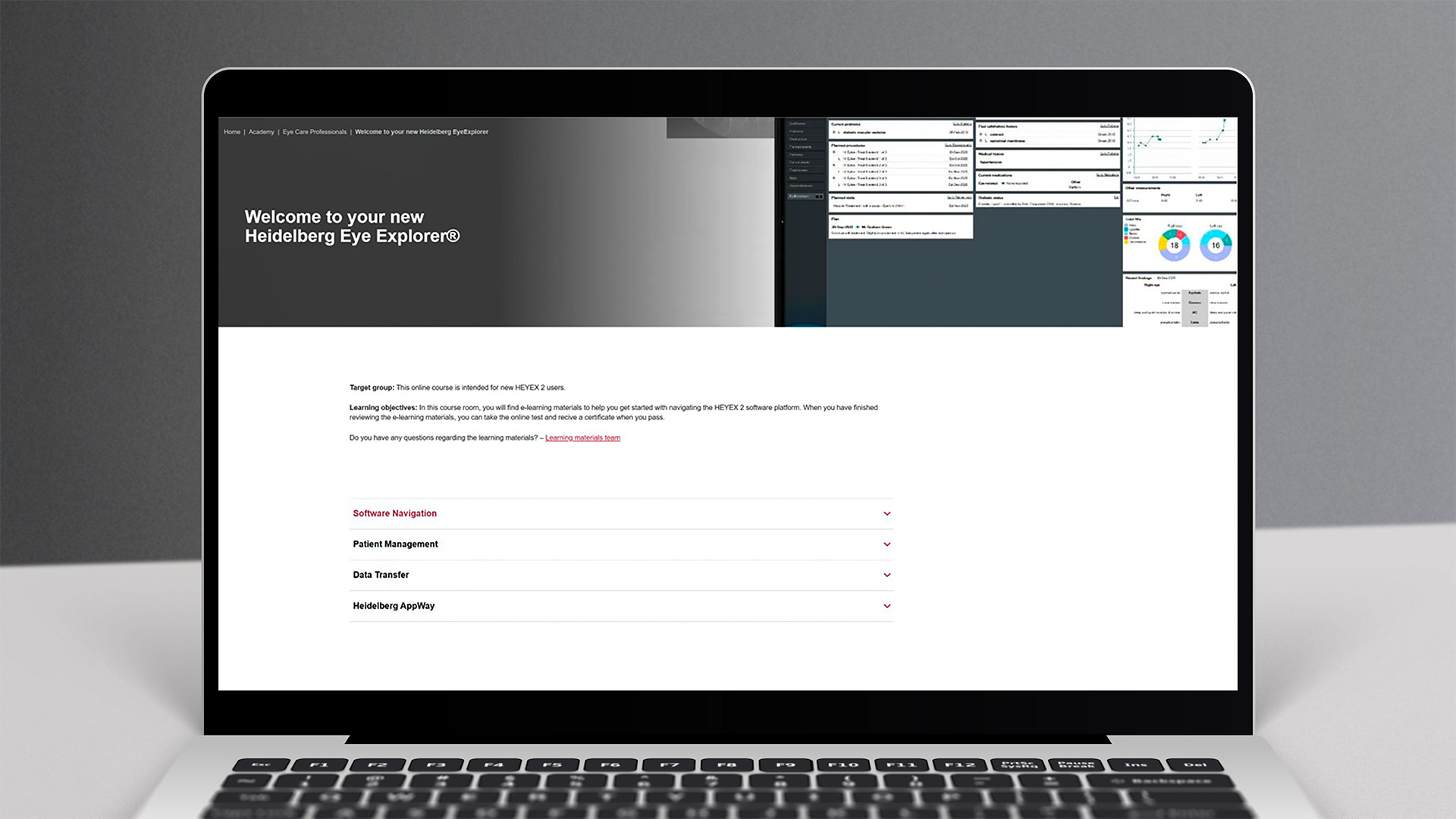
Make sure to complete the test to get a certificate. To take the test, click on the button below to get to the course room.
Good luck!