








Basic Navigation and Functions
PDF Tutorial | 6 pages
This quick tutorial contains basic information about how to navigate HEYEX 2.
You are currently on the U.S. Virgin Islands version.
Looks like you are in United States.
Switch to local content?


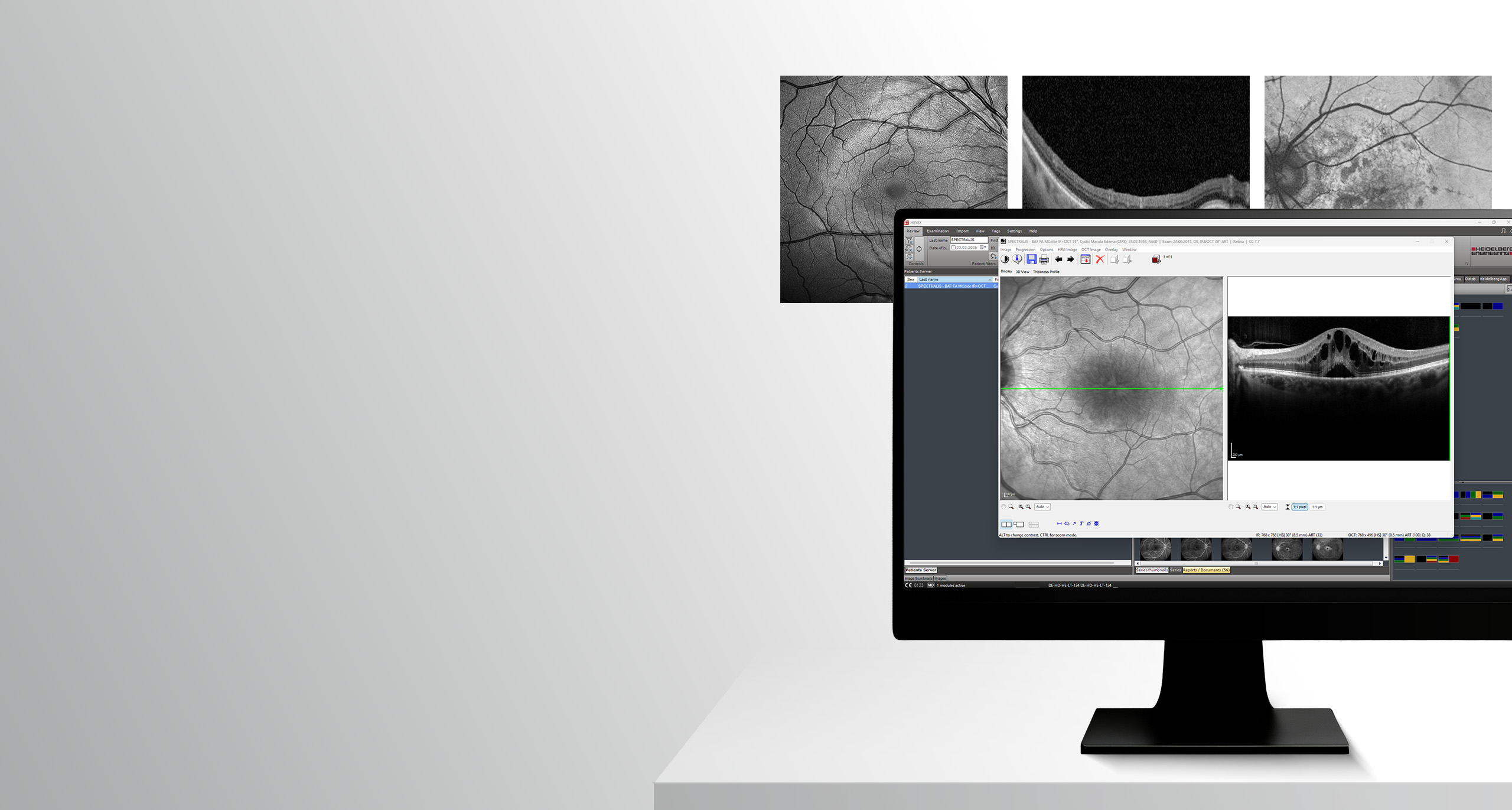
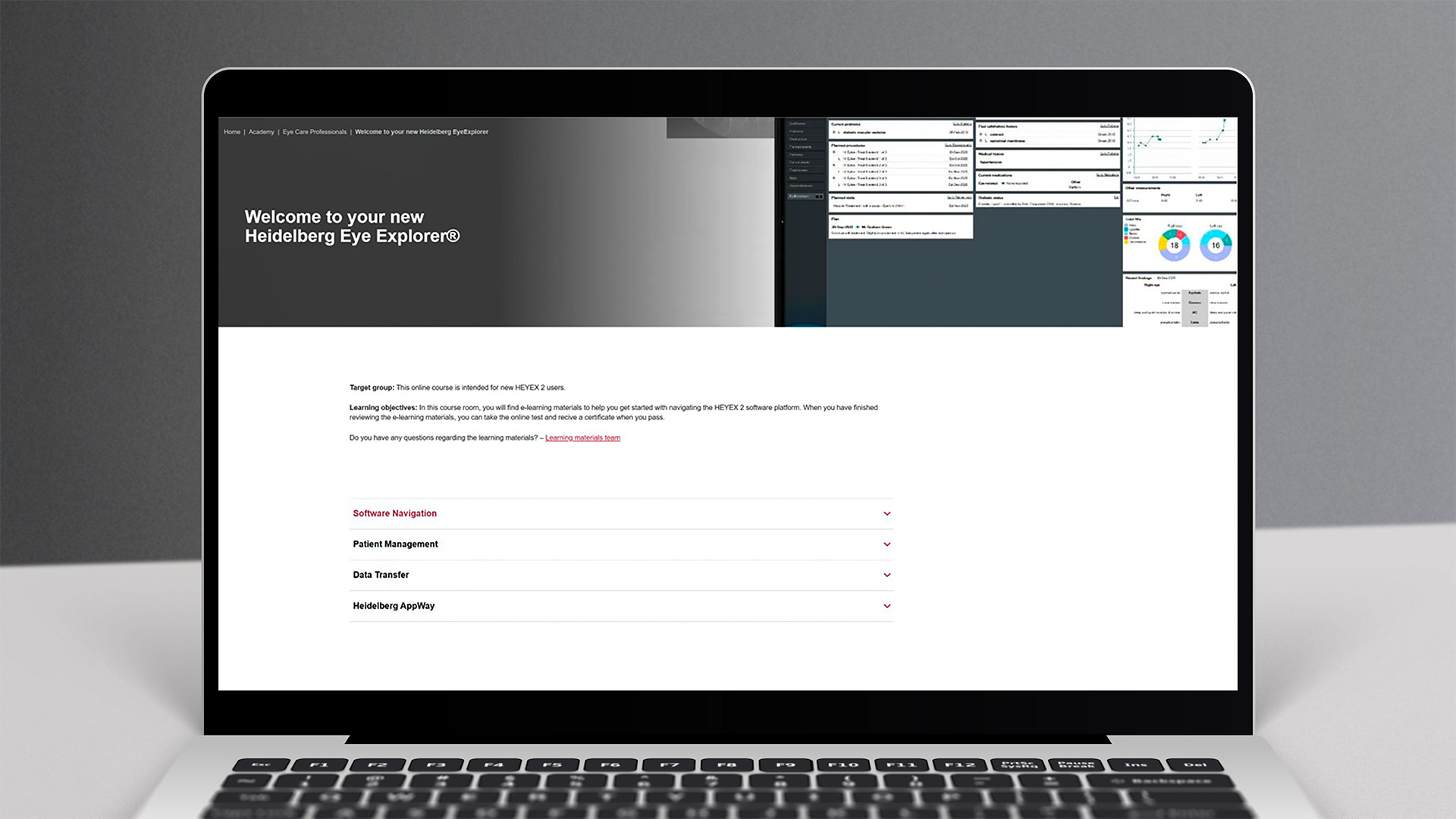
Target group: This online course is intended for new HEYEX 2 users.
Learning objectives: In this course room, you will find e-learning materials to help you get started with navigating the HEYEX 2 software platform. When you have finished reviewing the e-learning materials, you can take the online test and recive a certificate when you pass.
Do you have any questions regarding the learning materials? – Learning materials team
Basic Navigation and Functions
PDF Tutorial | 6 pages
This quick tutorial contains basic information about how to navigate HEYEX 2.
Please note: The quiz in this interactive video tutorial is for practice purposes only. If you would like to receive a certificate, please complete the quiz in the Course room.
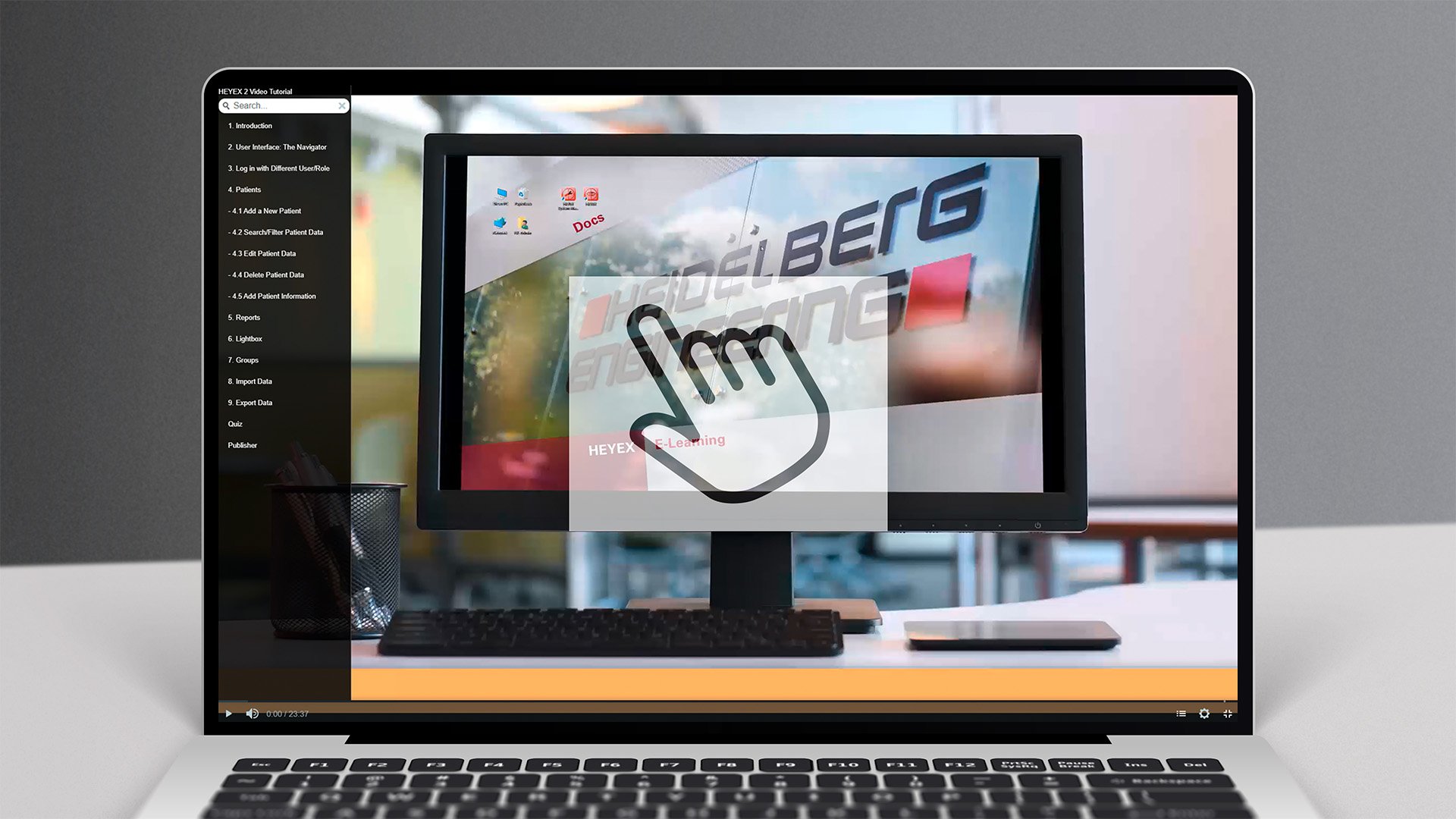
Interactive Video Tutorial
Interactive Video Tutorial | 24 minutes
This interactive video tutorial will guide you through the most important features of HEYEX 2 and how to use them.
Basic Navigation
Video Tutorial | 6 minutes
This short instructional video shows how to navigate the essential functions of the HEYEX 2 software platform.
Multi-Modality Viewer
Video Tutorial | 10 minutes
In this video tutorial you will learn essential functions for an efficient Multi-Modality Viewer workflow.
Configuring Order Templates
Video Tutorial | 3 minutes
This video tutorial will give you an insight into how you can configure order templates.
Configuring the User Interface
Video Tutorial | 7 minutes
In this tutorial, you will learn how to configure, save and share the HEYEX 2 user interface according to your individual needs.
User Management
Video Tutorial | 3 minutes
In this video tutorial you will learn how to create personal access data for HEYEX 2.
Make sure to complete the test to get a certificate. To take the test, click on the button below to get to the course room.
Good luck!